

ATM SD Cards
We at Dollar ATM Club know that SD cards are very important for the functioning of ATMs because they hold important data like software, setup, boot, and transaction data. Our ATM SD cards assist in maintaining machines in a smooth running condition and minimizing the period of downtime caused by damaged or old media.
Browse ATM SD Cards
Dollar ATM Club 2GB SD Card Loaded with ATM Software for Hyosung Win 7.0 Mainboard
$13.99
Dollar ATM Club 2GB SD Card Loaded with ATM Software (P.06.03.05) for Hyosung ATMs
$13.99
Dollar ATM Club 2GB SD Card Loaded with ATM Software (P.06.02.11) for Hyosung NH1800SE
$13.99
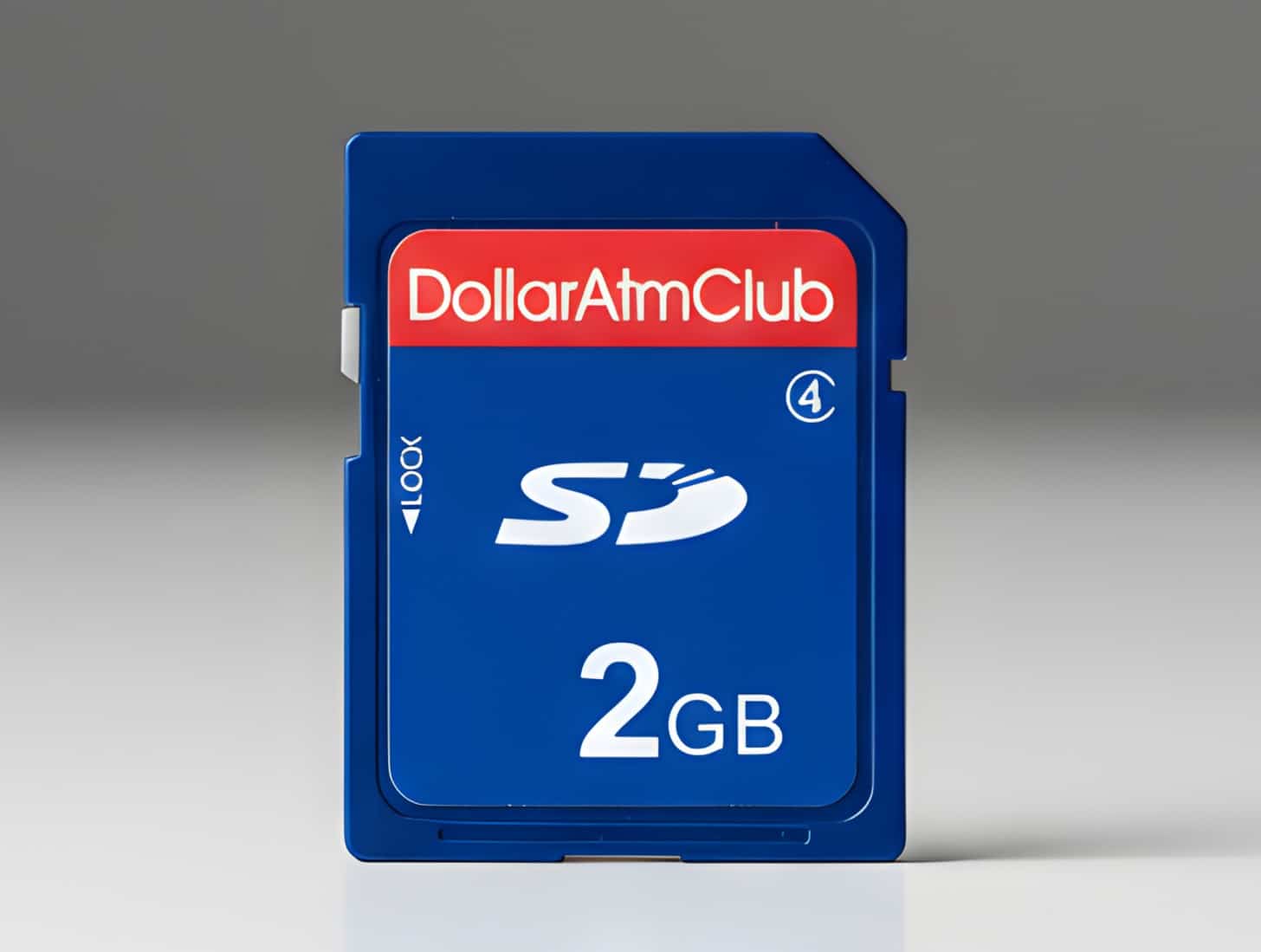
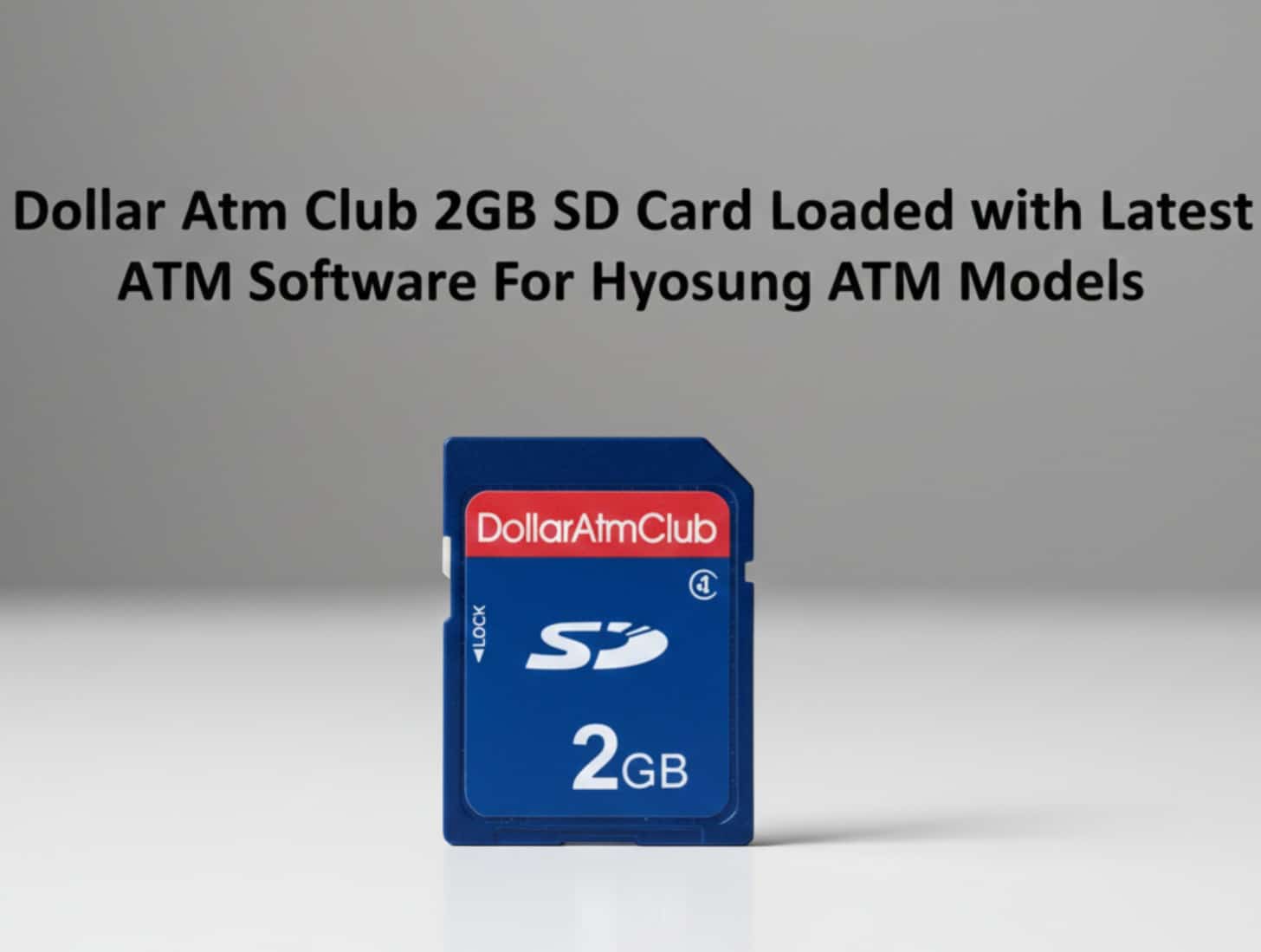
Dollar ATM Club 2GB SD Card Loaded with Latest ATM Software for Hyosung ATM Models
$29.50 Original price was: $29.50.$13.99Current price is: $13.99.
Browse ATM SD Cards by Type
These are the main types of SD cards that ATMs use, though the exact types depend on the brand and model.
- Pre-Loaded Software Cards: Some SD cards already have the latest ATM software on them, which makes loading and updates faster and easier.
- Standard Secure Digital (SD) Cards: These are full-size SD cards that are often used in ATMs to store software and setup data.
- SDHC (Secure Digital High Capacity): Comes in 2 GB sizes and is fully compatible with most software. It has enough room for standard ATM software.
ATM SD Cards by Storage Capacity
The storage capacity of most SD cards installed in ATMs is lower due to the size of the software and setup files that do not occupy much space in the SD cards. Among the common abilities are:
- 2 GB SD Cards: The most popular size for storing ATM firmware and software images, and they work with a lot of different ATM machines.
- 1 to 4 GB Range: Some ATMs might require cards which are slightly smaller or a bit larger depending on the nature of the machine and the constraints of the controller.
ATM SD Card Compatibility by Machine Brand
Different ATM vendors expect different SD files and ways of storing data. Here at Dollar ATM Club, we link SD cards to the most common types of ATMs:
- Hyosung ATM SD Cards: Our 2GB SD cards are already loaded with the necessary types such as the NH1800SE to ensure that the firmware is compatible and that the card boots up with minimal failure.
- Genmega & Hantle ATM SD Cards: These cards come with 2GB of pre-installed software and are available for certain types.
- Other Brands: Depending on the needs of your machine, we can also help you find SD cards that work with names like Diebold Nixdorf, NCR, Tranax, and GRG.
Common Use Cases for ATM SD Cards
Beyond being storage media, ATM SD cards can be used for multiple useful tasks:
- Software Installation and Updates: OS and interface files can be loaded into SD cards and the ATM has built-in software which makes upgrades and installations easy.
- Recovery and Repair: An SD card can fix an ATM following power or error difficulties.
- Configuration and Log Storage: SD cards can store configuration settings and transaction logs for maintenance and compliance checks.
Key Features of ATM SD Cards
When choosing an SD card for your ATM, there are a few basic details that affect how well it works and how long it lasts:
- Flash Type and Durability: SLC or industrial grade memory is suitable in the case of always-on ATMs as it can survive a greater number of write cycles and temperature changes.
- Read/Write Speed: Booting faster and loading applications faster ensures consistent performance.
- Controller Firmware Compatibility: ATM SD cards must match ATM file systems and partitions.
- Wear Resistance: Quality cards reduce failure and downtime.
These features ensure that the SD card will work well and keep the machine stable over time.
How to Choose the Right ATM SD Card?
To select the right SD card for your ATM, you need to make sure it meets various criteria:
- Identify Your Machine’s Requirements: Check your service manual or current card for card size, type, and space. This is especially important if your ATM has older controllers that need fixed formats, not any random ones.
- Select Pre‑Loaded Software When Possible: Purchase of an SD card already containing the correct ATM software version often saves time and ensures accuracy during installation or repair for many operators.
- Match Capacity to Software Needs: Do not think that bigger is better; many ATMs are made with 2 GB of storage in mind and may not work effectively with larger cards.
- Check Flash Endurance and Quality: It is recommended to choose high-quality memory cards that can handle being written often and in a variety of environments.
ATM SD Card Setup and Installation
Installing an ATM SD card correctly avoid boot problems and makes sure service stays available:
- Check the Format: Ensure that the SD cards are written in ATM controller compatible format.
- Correct Orientation: Ensure that the SD card is correctly oriented in the ATM's SD slot.
- Power Down Before Insertion: Before inserting or removing an SD card, it is important to turn off the ATM.
- Label Cards Clearly: Record the machine model and software version on SD cards to make them easier for service in the future.
Shop Best ATM SD Cards Online
Dollar ATM Club sells SD cards online, including Hyosung and other famous ATMs that already have 2GB of space on them. This keeps your machines supported and ready to go. Our team can help you choose the right card and show you how to install it. We offer competitive prices and a range of delivery options.